
Control whether search engines can index your public status page.
What this setting does
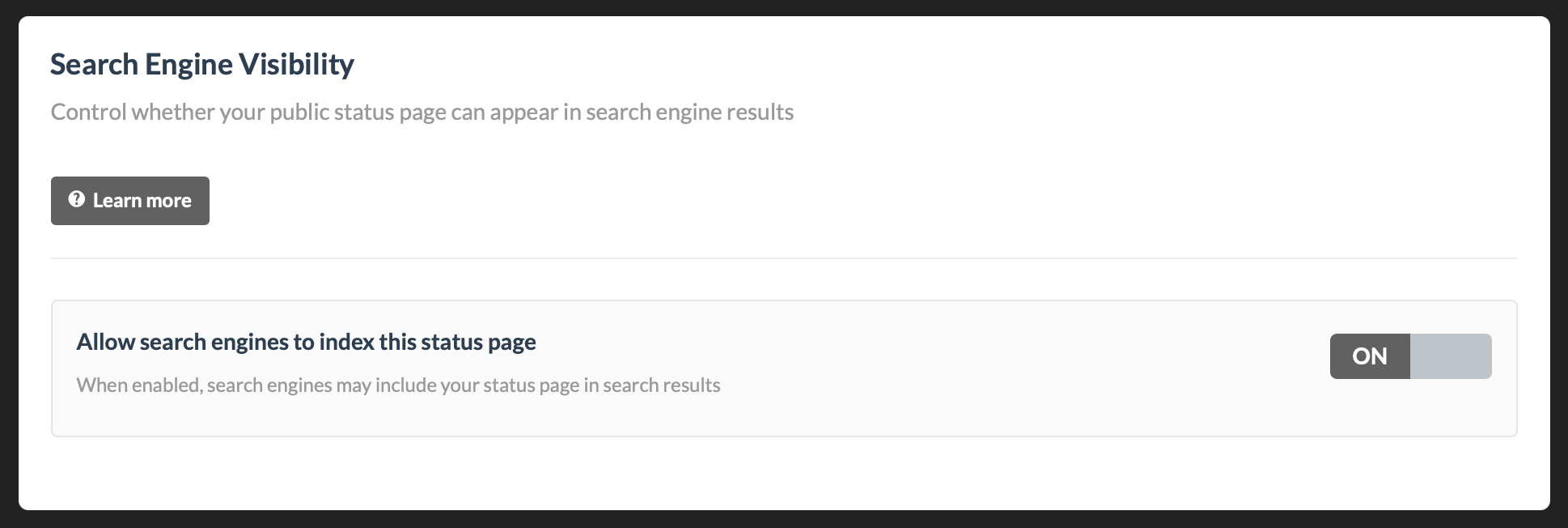
The Search Engine Visibility setting controls if search engines (like Google, Bing, and others) are allowed to include your public status page in search results.
- Toggle ON: Search engines are allowed to index your status page.
- Toggle OFF: Search engines are asked not to index your status page.
This setting applies only to public status pages.
Where to find it
- Go to your status page in the Dashboard.
- Open Settings.
- Go to Advanced.
- Find Search Engine Visibility.
- Toggle Allow search engines to index this status page on or off.
When changes take effect
The setting is applied immediately on our side, but search engines update on their own schedule.
- Allowing indexing (ON): It may take days or longer before the page appears in search results.
- Disabling indexing (OFF): Existing results may remain visible temporarily until search engines recrawl and update.
Important notes
- This is a request to search engines, not an instant removal tool.
- Already indexed pages can remain in results for some time.
- If your page is in Private Mode or requires authentication, search engines cannot index it regardless of this setting.
Troubleshooting
My page is still in search results after turning this OFF
This is expected for a period of time. Search engines must revisit the page before they remove or update listings.
My page is not appearing after turning this ON
Indexing is not guaranteed and can take time. Search engines decide what to crawl and when.
I need faster removal from Google
Use Google’s Search Console removal tools in addition to disabling indexing in Status.io.